Projects.

  • All

Eyes Exercise

My task for this project was to add a second “eye” element and have that element follow the mouse position on the screen using the mouse events.

Here are the functionalities I interacted with...
  • click: Triggered when the mouse is clicked
  • mousemove: Triggered when the mouse moves over an element
  • mouseleave: Triggered when mouse the leaves an element
  • Real Time Bus Tracking

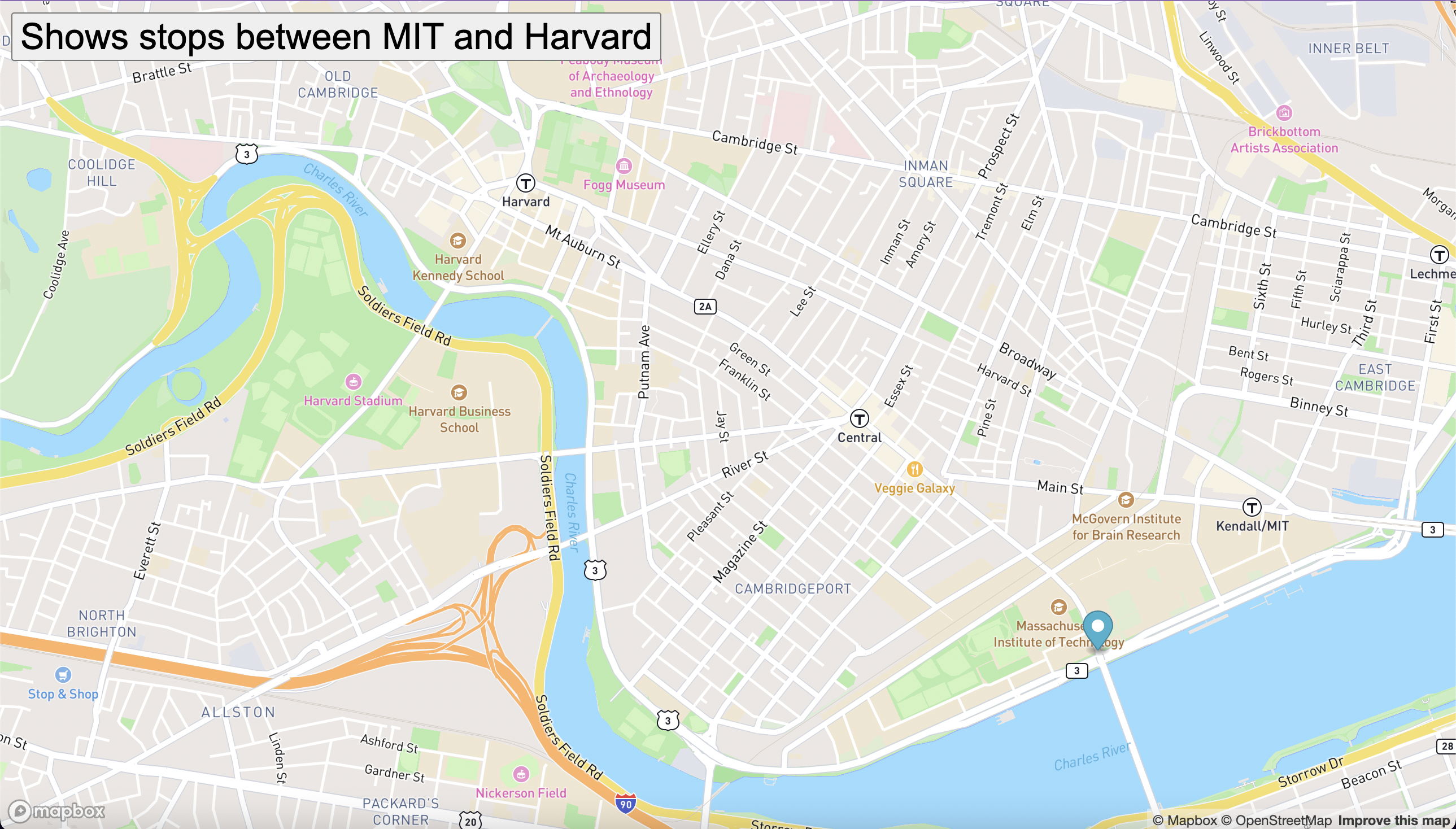
    I used the MBTA bus data to determine stops between Harvard and MIT. Then, I added an animated marker on the map to highlight the bus routes.

    Here are the functionalities I interacted with...
  • Created a Mapbox account and get the access token
  • Added the access token to the mapboxgl instance and defined the mapanimation.js
  • Created a marker and added it to the map using the mapboxgl pre-built functions.
  • The function move() is called when the button “Show stops between MIT and Harvard” is selected. This is how I started the marker animation.
  • You should be able to see a marker moving from one bus stop to the next on the map.
  • PacMen Exercise

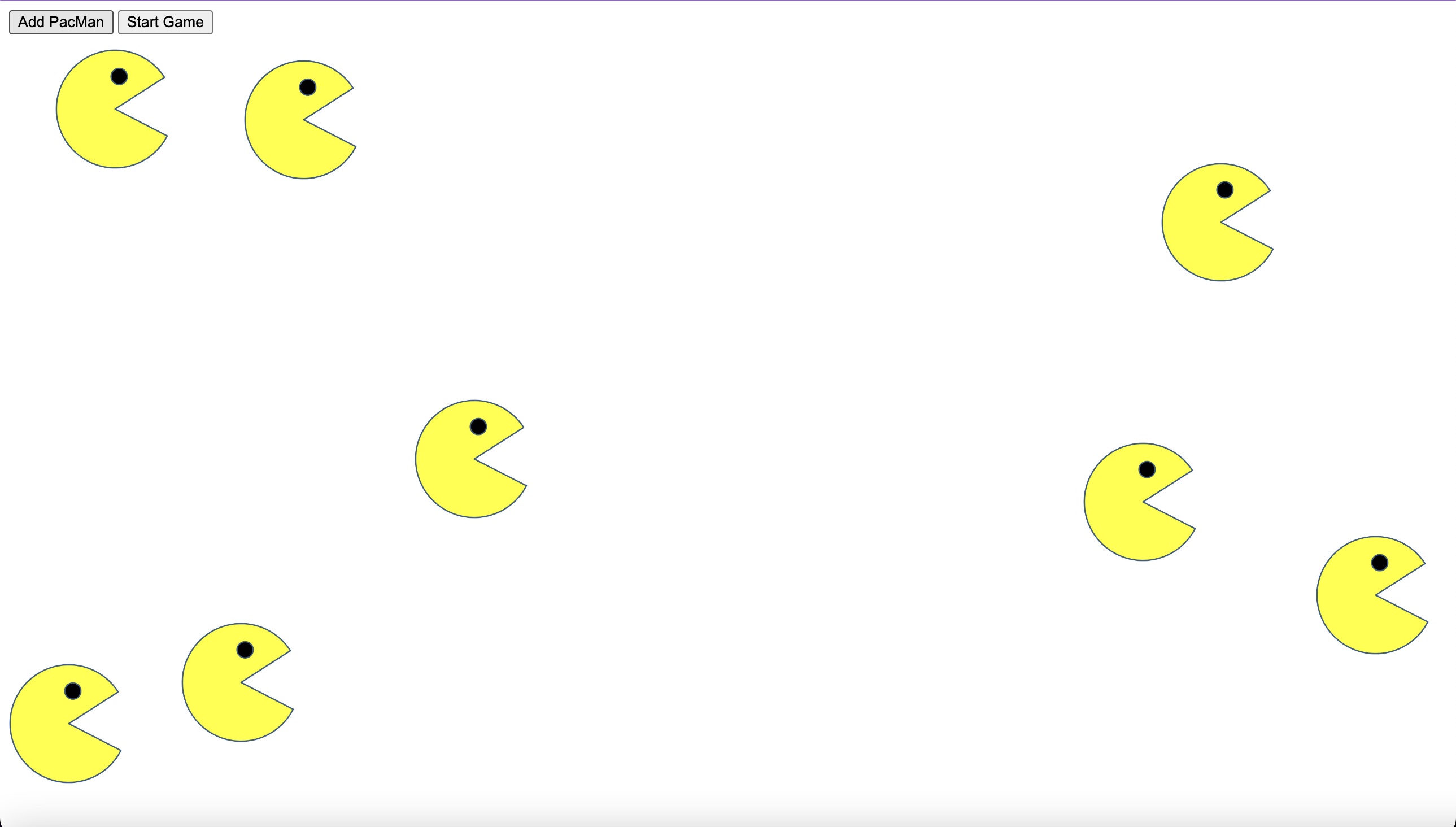
    I created a pacman on demand (button click) and move these pacmen across the page

      Here’s how the game is played:
  • When you click the “Add PacMan” button, a new pacman should appear at a random position on the screen.
  • When you click the “Start Game” button, the pacman or pacmen created should start moving at random velocity on the screen.
  • When a given pacman hits the edge of the screen, it should change position to stay within the frame of the web page.